Printing Guidelines
Black and White Printing
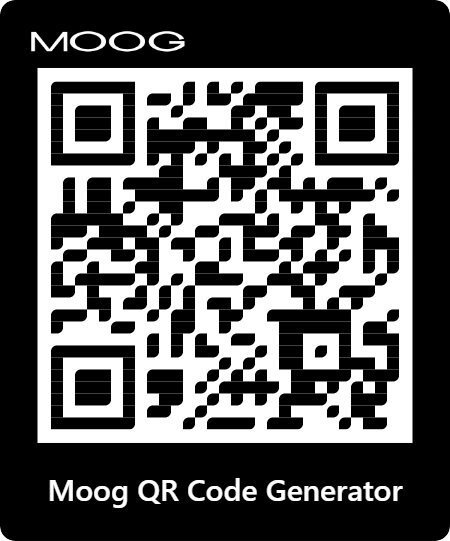
For black and white printing, select “Black” under the Colors selection.
QR Code Scaling

If you are looking to scale the QR Code to a small or large size, export the QR Code as an SVG to prevent graininess or blur.
Style Guidelines
QR Code Messages
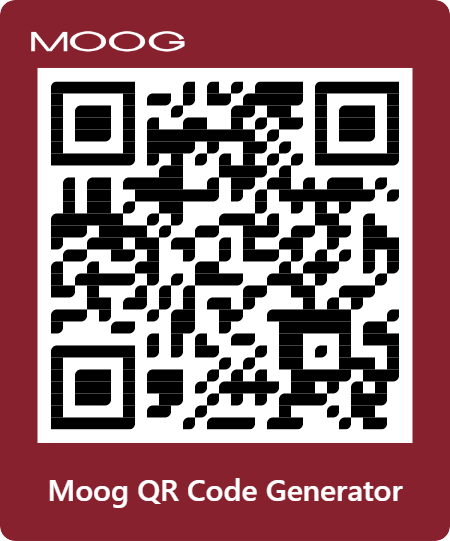
When filling in the Message text box, begin your message with the call to action “Scan to” followed by where you are routing the user.
QR Code Images
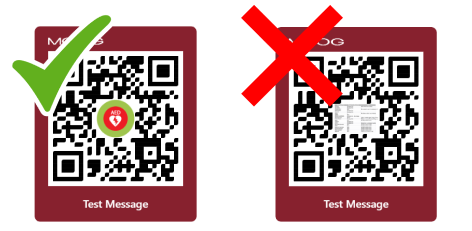
When uploading an image within the QR Code, verify that the image is:
- Legible and readable
- Clear and not grainy
Printing Guidelines
Black and White Printing
For black and white printing, select “Black” under the Colors selection.
QR Code Scaling
If you are looking to scale the QR Code to a small or large size, export the QR Code as an SVG to prevent graininess or blur.
Translation Guidelines

To translate your message, select the Google Translate drop down in the top right corner of the page.

QR Code Generator
QR Code Generator Guidelines
1. Add QR Code Styling
1. Add QR Code Styling
Insert your URL
Insert message
Input File
20
Error: Label inactive
2. Export QR Code
2. Export QR Code